
Bureau.
All your school files on one desk. Free, in your browser.
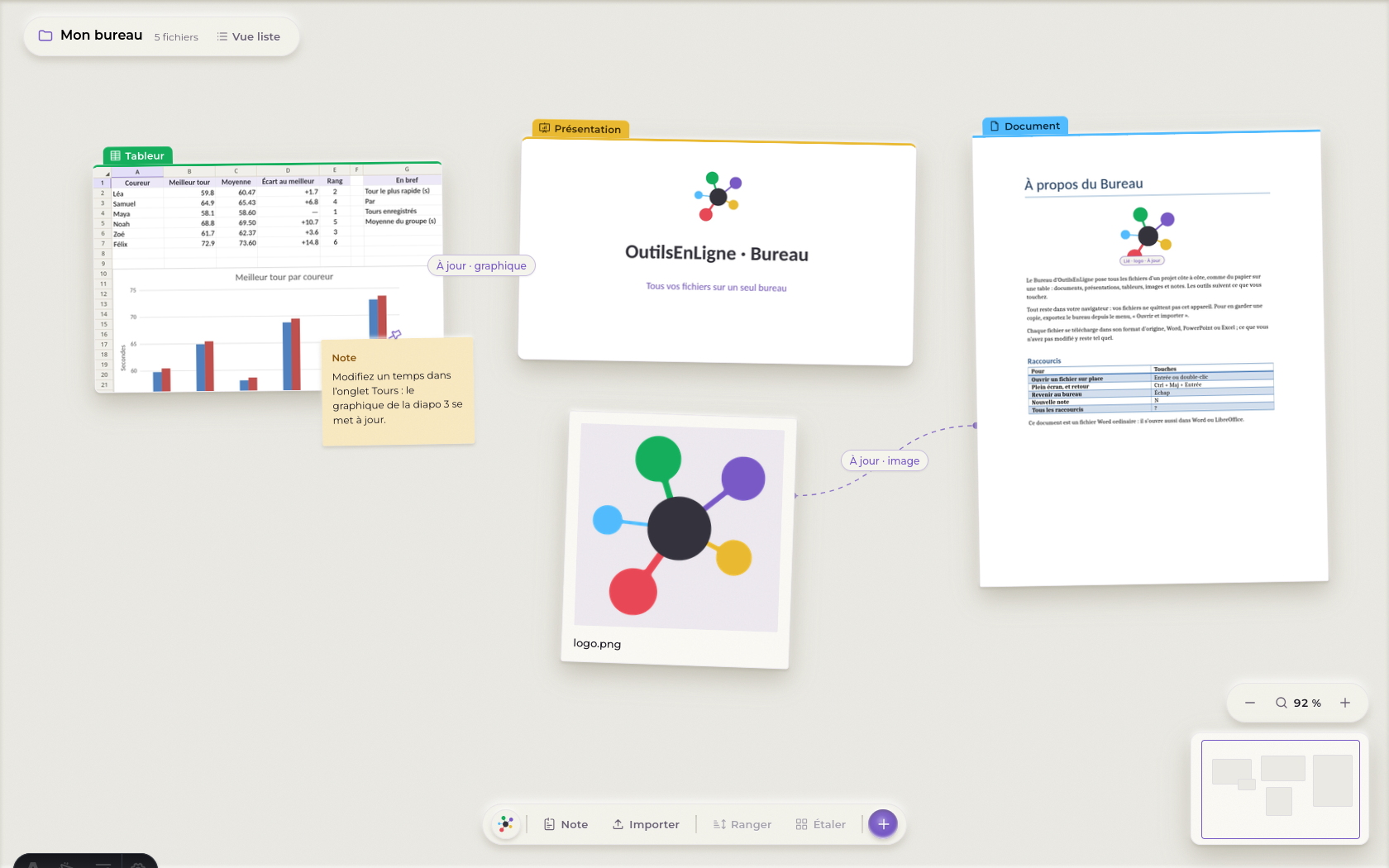
Documents
Your .docx.Intact, there and back.
A real word processor: Word styles, lists, tables, footnotes, headers and footers, a clickable outline.
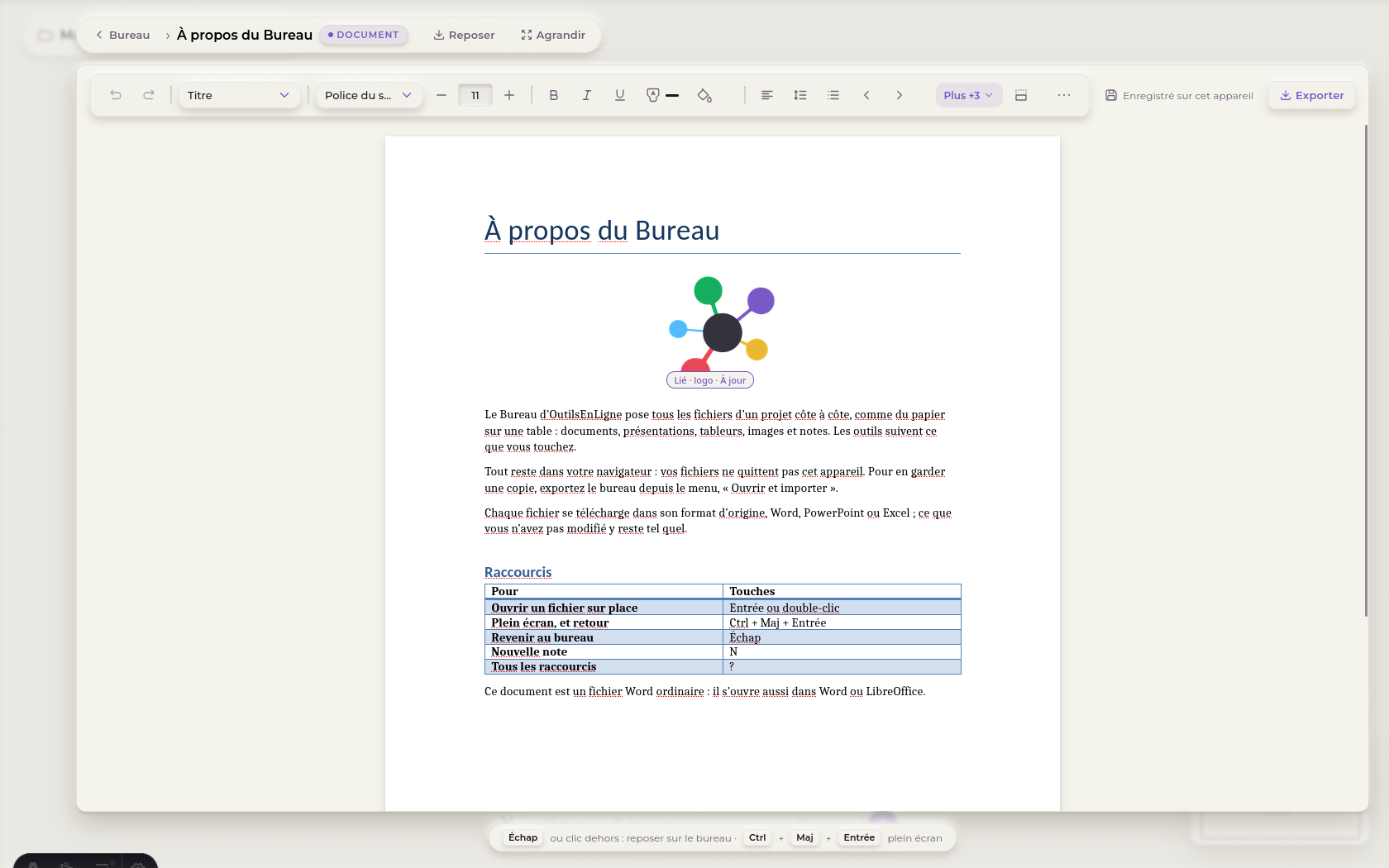
Spreadsheets
Formulas thatreally calculate.
Formulas as in Excel: XLOOKUP, MINIFS, RANK.EQ… Sort, filters, formatting — and the .xlsx comes back as it was.
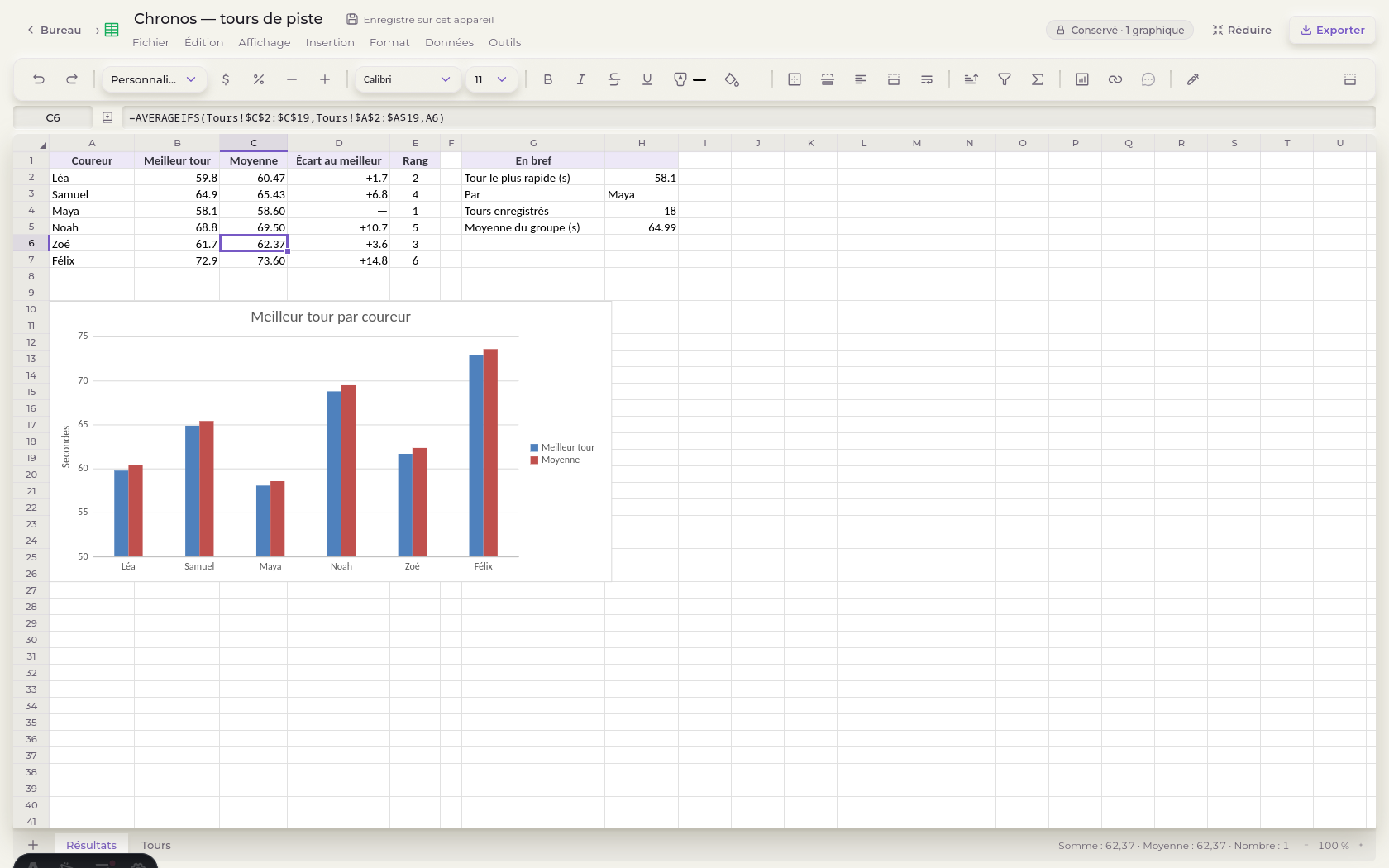
Charts
One click on the chart.Another on the series.
Insert one with Alt + F1 and tune every element. Office charts open and stay editable without falling apart.
Presentations
Present,straight from the browser.
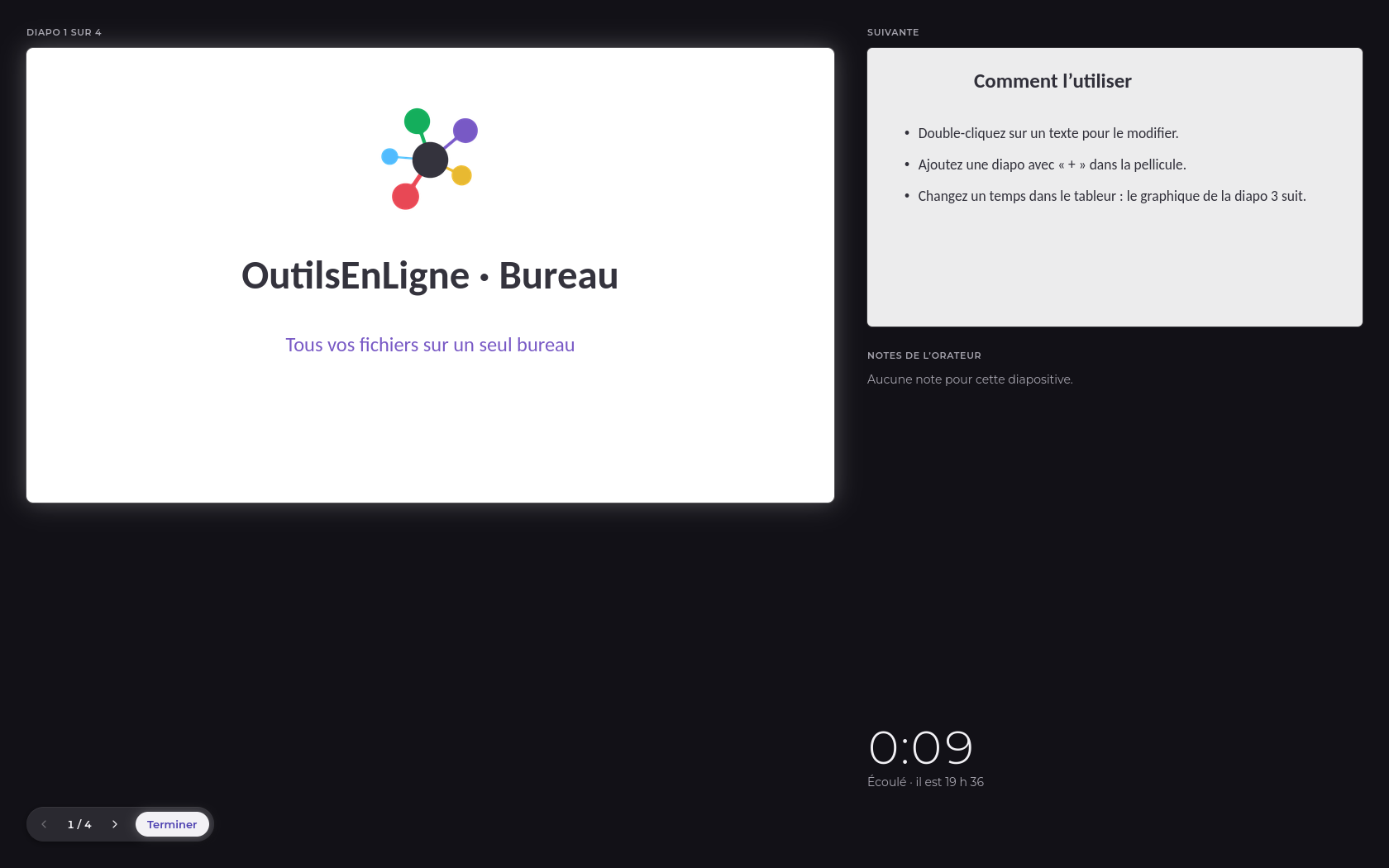
Layouts, shapes, pictures, speaker notes, a presenter view in a second window — and the .pptx comes back as it was.
Images
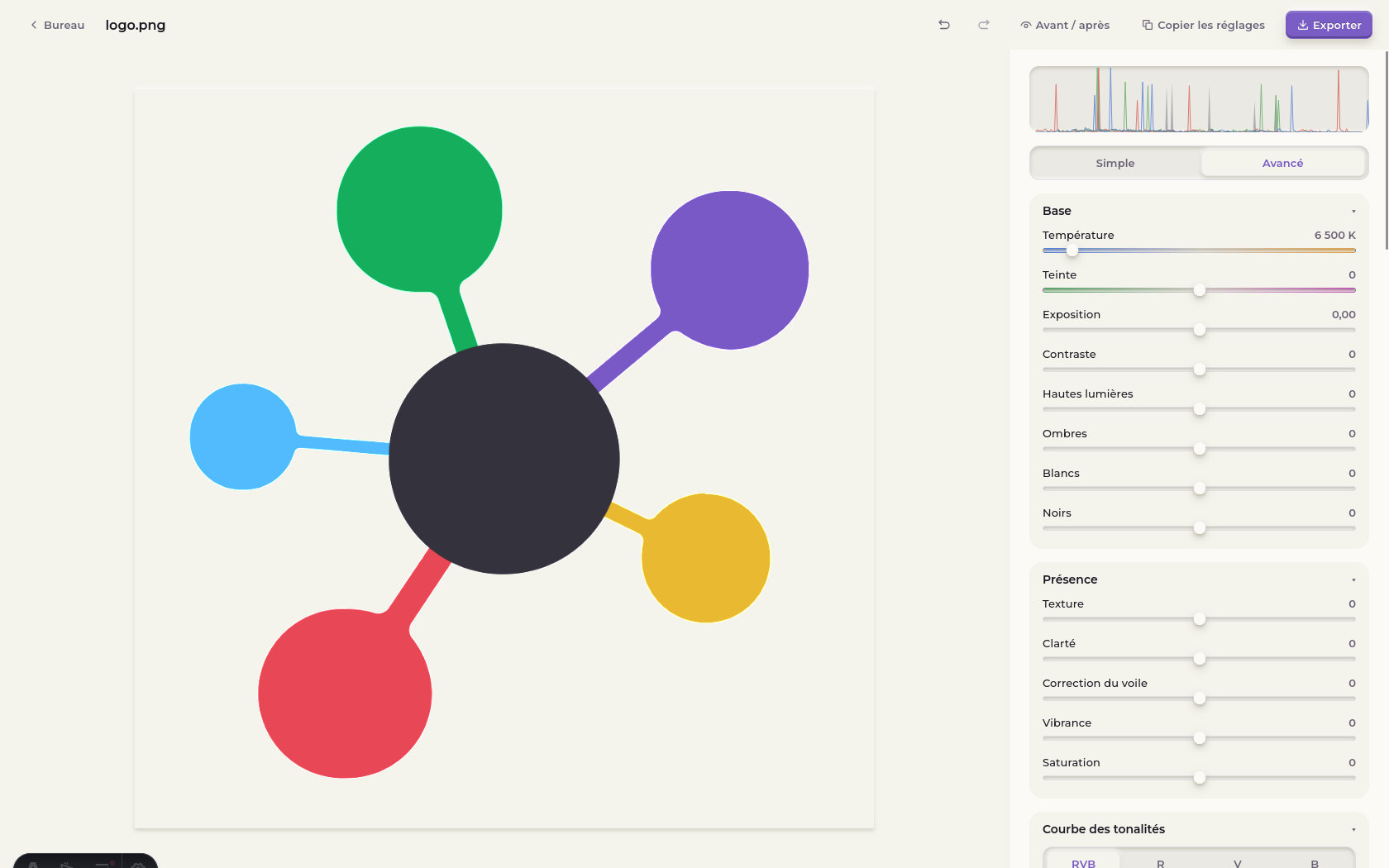
Simple for everyone.Advanced when you need it.
Crop, straighten, retouch. Every linked copy follows the retouch, everywhere.
Linked copies
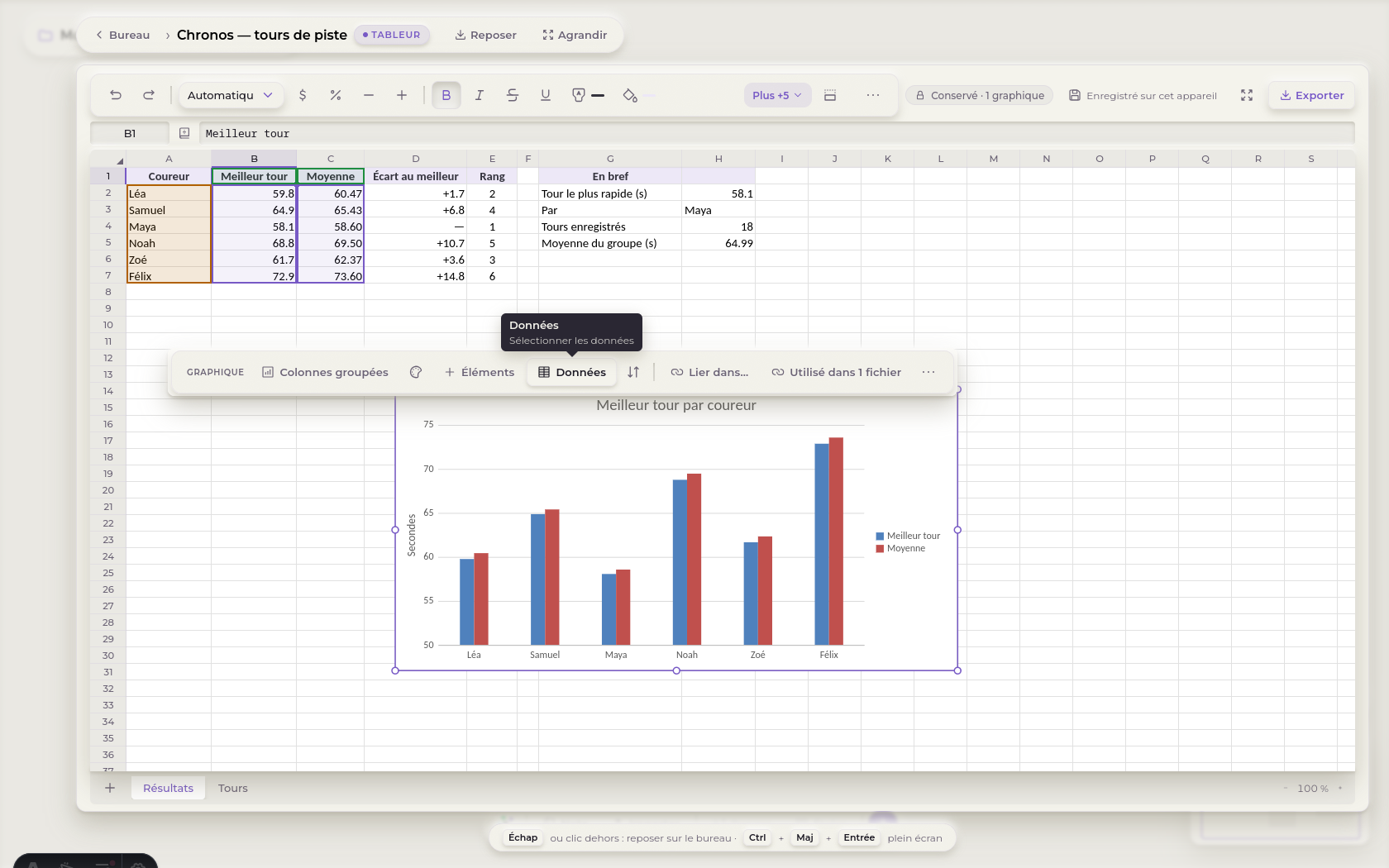
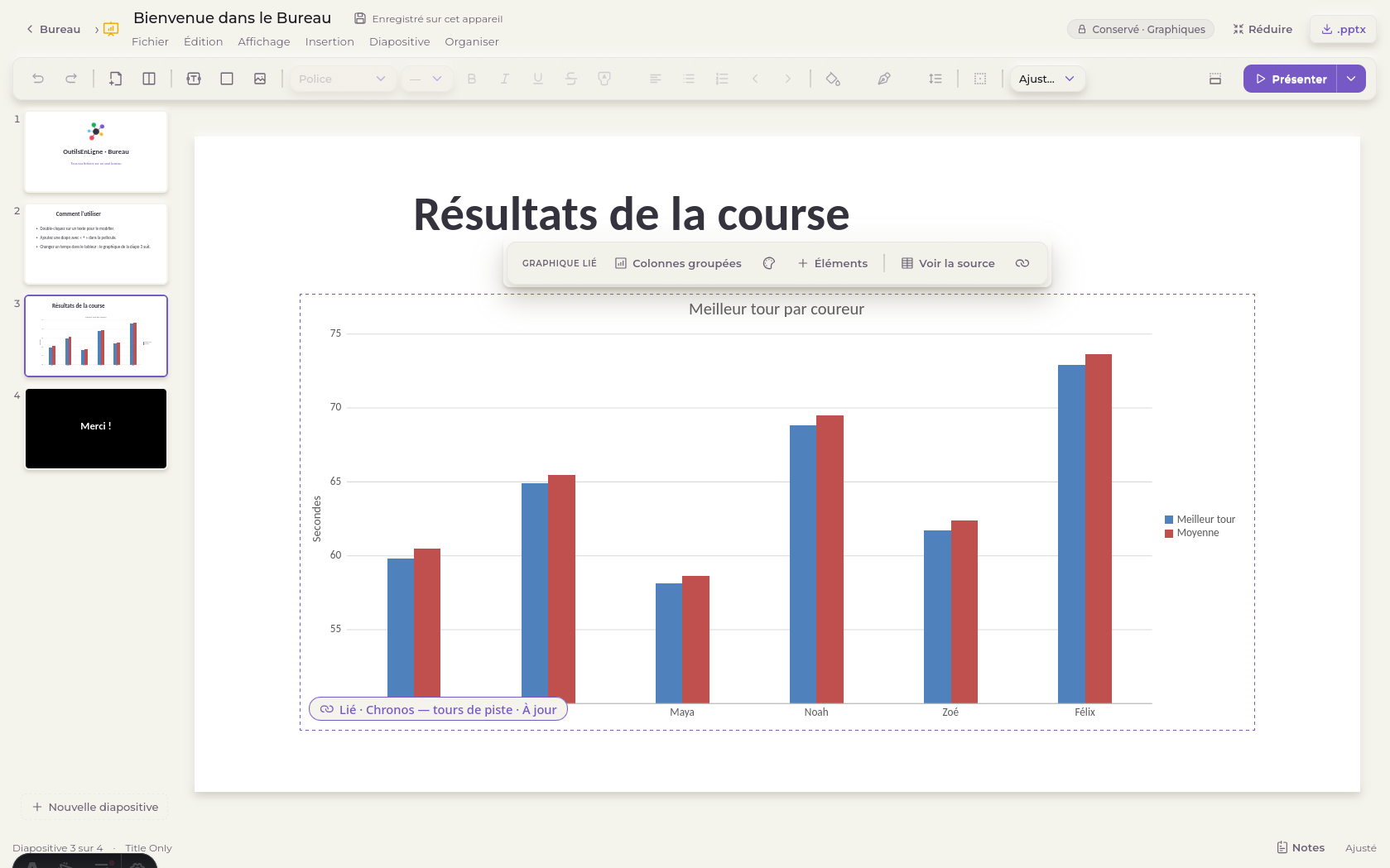
Link a chart.It follows the spreadsheet.
A chart, a range, an image: put them in a presentation or a document and they stay up to date. On the desk, a thread joins the source to its copies.
And everything that comes with it.
Free for school
No account, no trial that runs out.
In your browser
Your files stay on this device; export the desk as a .zip to keep a copy.
Your formats, intact
What you don’t change stays the same in the file.
Open engines
Rust and WebAssembly, under the MPL-2.0 licence.
Open source
The engines that read your files are open source.
Reading and writing .docx, .xlsx and .pptx, calculation and image retouching run in your browser, as WebAssembly. Anyone can read them, check them and reuse them.
oel-opcLossless Office packagesoel-docxWord ⇄ documentoel-xlsxExcel and CSV, calculationoel-pptxPowerPoint ⇄ slidesoel-chartOffice chartsoel-imgImage retouching
Rust · WebAssembly · MPL-2.0
Questions
Do I need an account?
No. The Bureau opens and works without signing up.
Where are my files?
In this browser, on this device. Nothing is sent to a server. Clearing the site’s data clears them too: export the desk now and then (menu, “Open and import”).
Do my Word, Excel and PowerPoint files stay intact?
What you don’t change is written back as it was; what you change follows the original format. What the Bureau can’t edit yet (animations, SmartArt…) is kept.
Can several people work together?
Not in this version: teamwork (sharing, presence, forms) comes next.
What about PDFs?
They sit on the desk with their page count; viewing, annotating and converting them come with the PDF engine.